





Process notes · Graduate film, 2024
The Elevator
How the film was drawn, painted and put together.
The Elevator was completed in 2024, at the end of my third year at university. Lots of people helped out with it: we had a core team, and then lots of other students who made small contributions to help push it over the line.

The Fish Rider’s vessel
Animation
The film is entirely 2D hand-drawn animation, made in Harmony. We completed all the rough animation first, then moved on to clean-up. We didn’t have time to do a tie-down pass for most shots (a tie-down is a refinement of the rough phase, where more focus is placed on continuity between forms and more specific arcs of movement), so we tried to stay mindful of these things during clean-up.
I think the animation suffered a bit because of this, but for this project, where the emphasis is more on the environments, it made sense, and it was necessary in order to hit our deadline.
Clean-up animation for the Fish Rider and his cat
Backgrounds
The backgrounds took a more unconventional approach, and each one had a slightly different process. They are all painted by hand in watercolour and mostly refined with colour pencil, though the layouts were often drawn digitally in Photoshop first.
I started each one with a rough, annotated sketch. The writing helps me start thinking about the different details that could be in the image. It was important that the images felt as conceptually dense as possible, and that they helped to give more information about the world and its logic. This sketching and annotation was preceded by lots of research during pre-production.

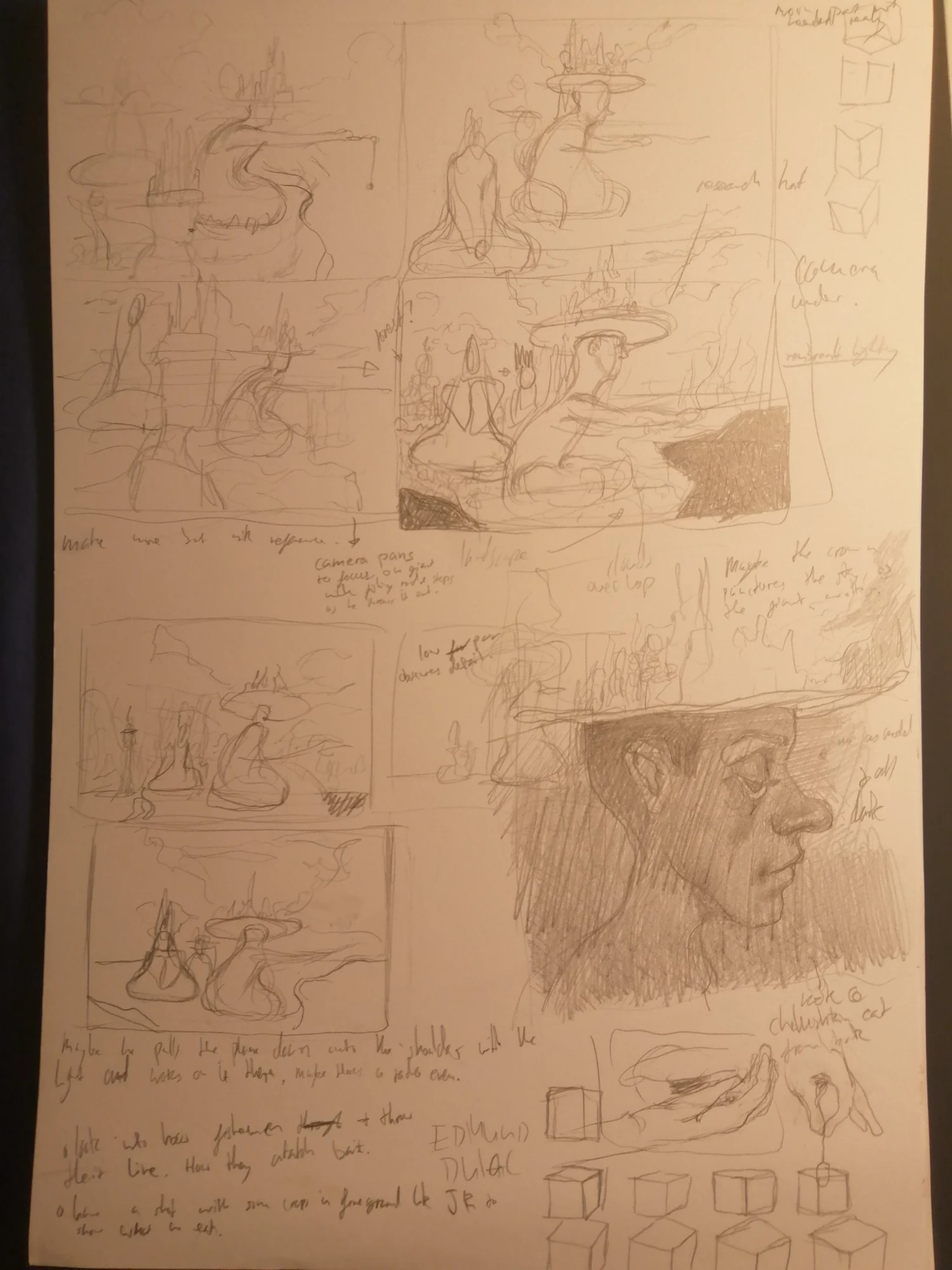
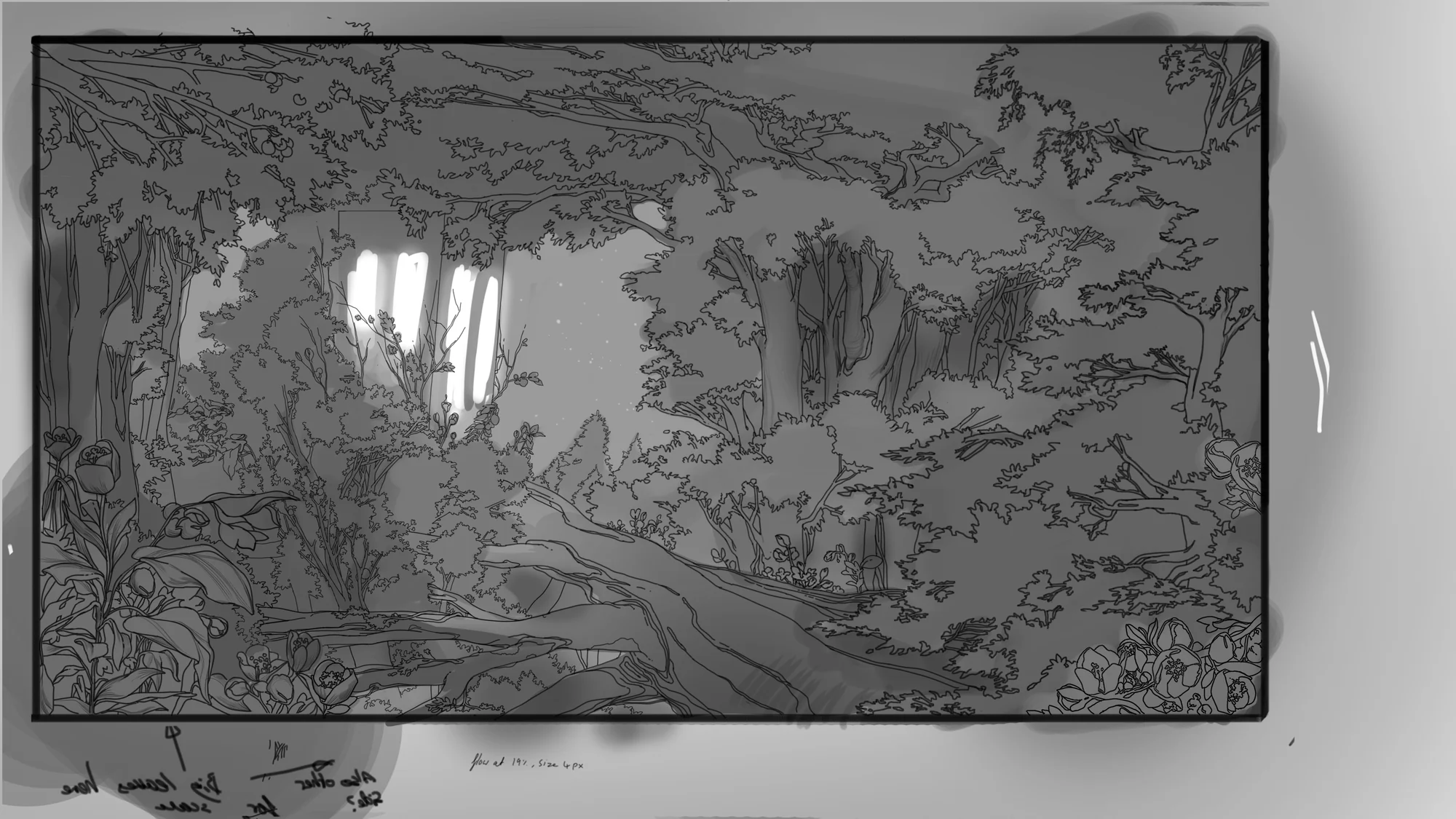
Forest layout, the doorway onto the shore, and a sketchbook page of thumbnails
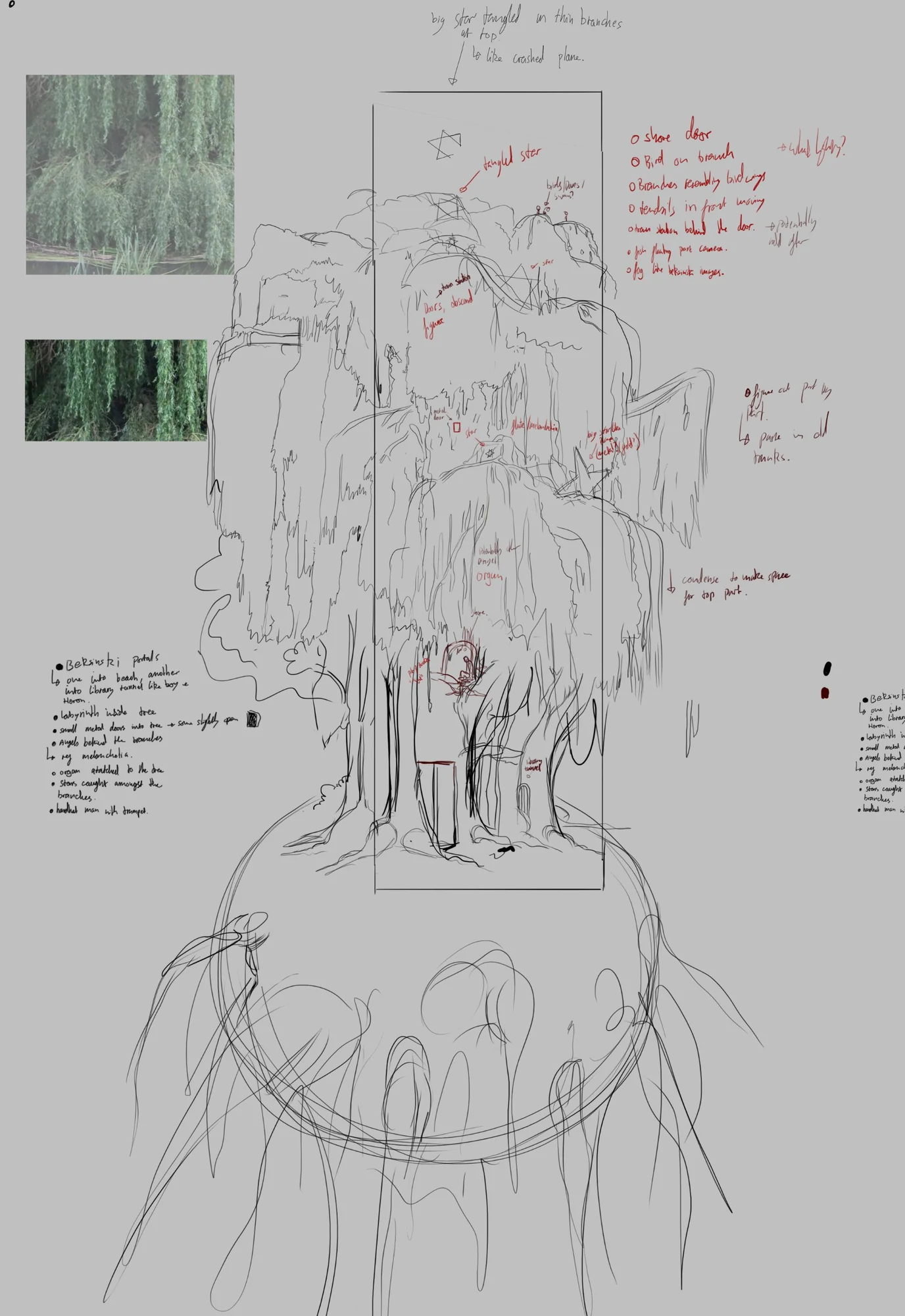
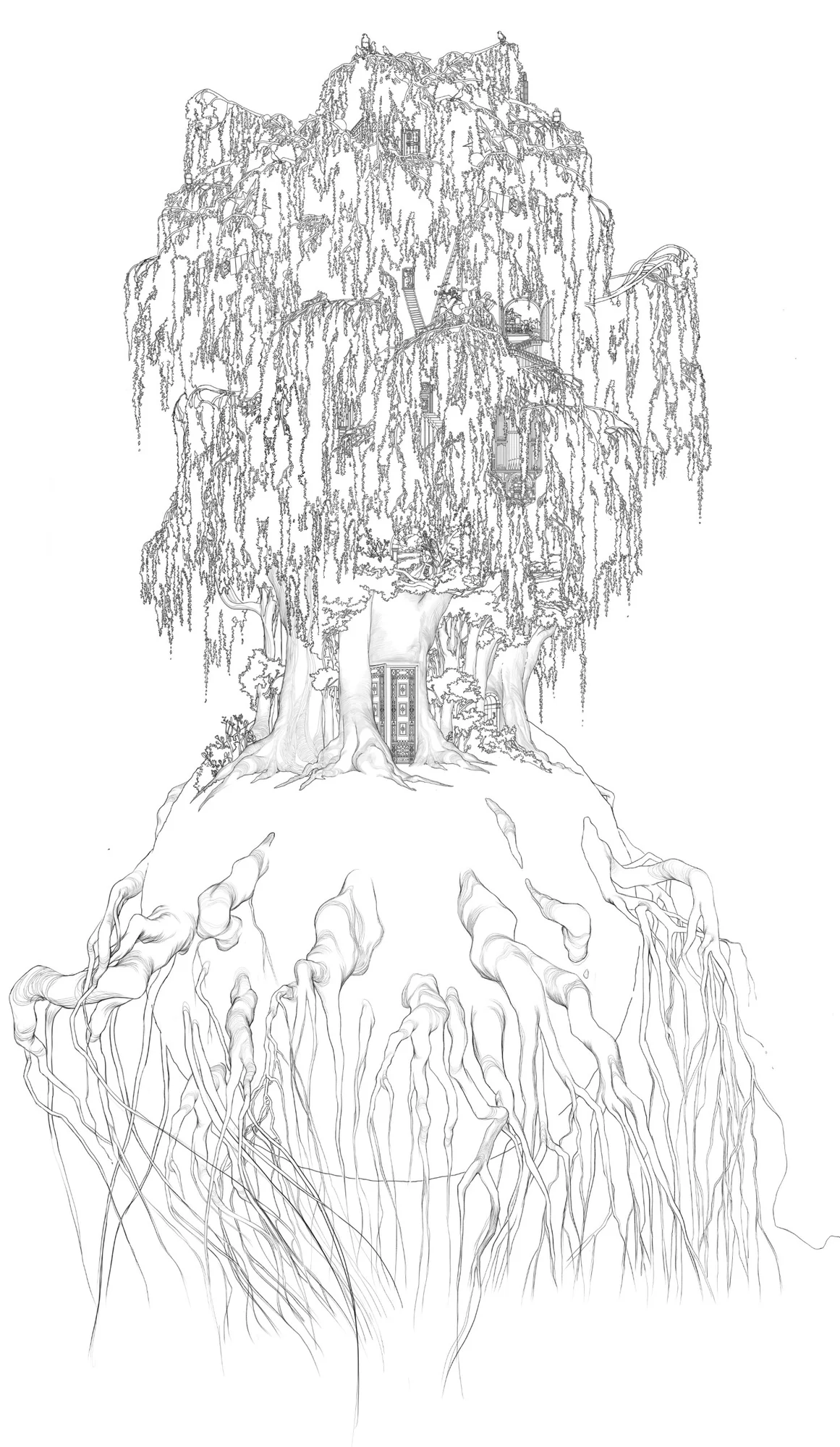
The willow tree, from annotated rough to final layout
Where we used digital layouts, we had them printed onto A3 card and painted them with watercolour washes.
Fish Rider
Treelevator
Painting backgrounds in watercolour, one-minute timelapses

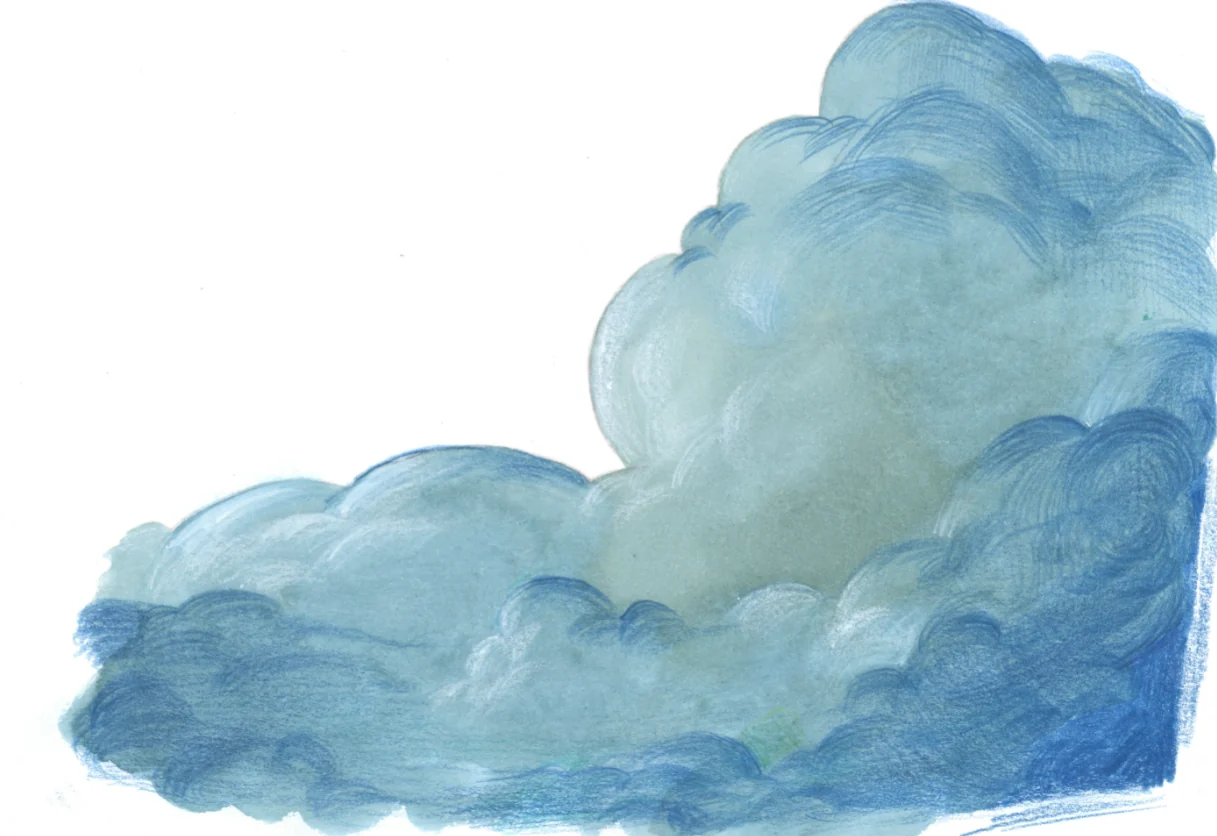
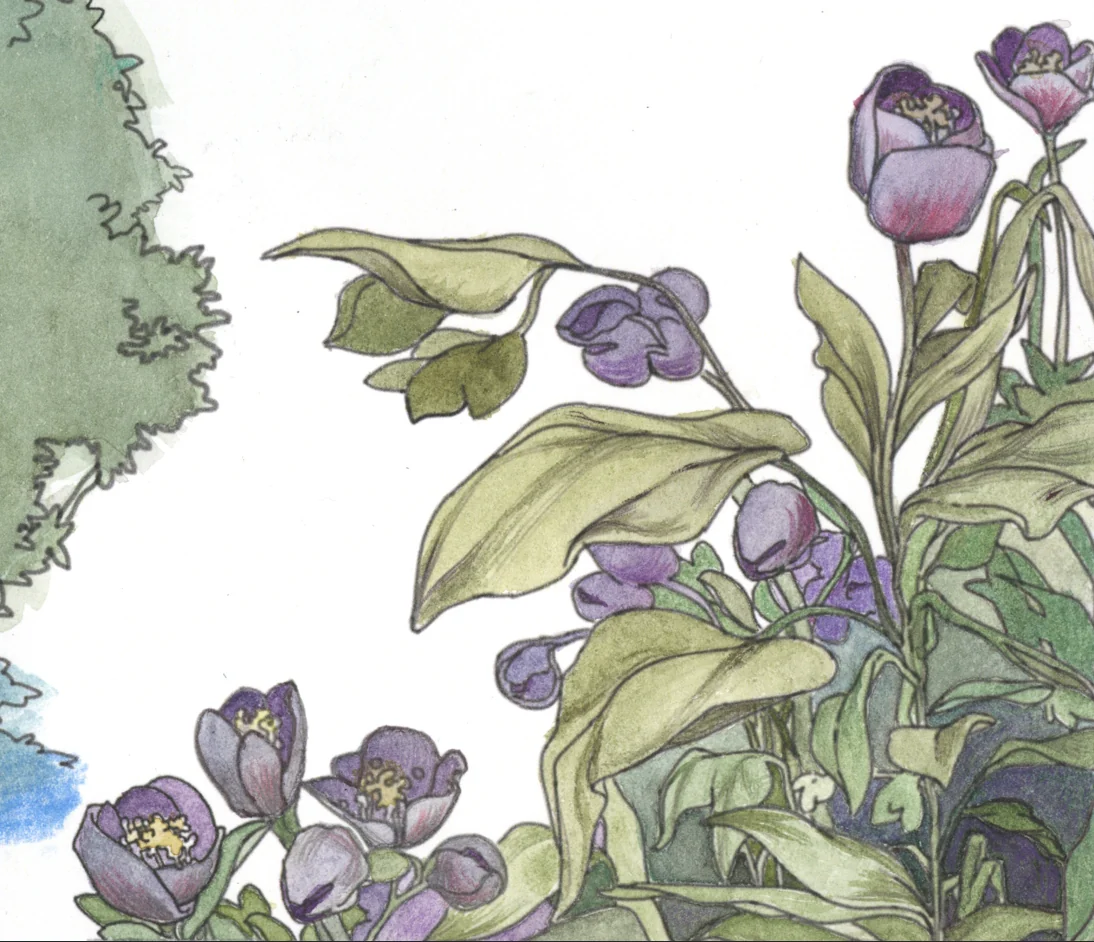
Details from the scanned backgrounds: watercolour washes refined with colour pencil
Parallax
The last step was adding parallax to the backgrounds. This is where you position different parts of the image at different depths, so that when the camera moves, the background feels like a 3D space, with each part of it moving past the camera at a different speed.
To do this, we scanned the painted backgrounds back in and brought them into Photoshop, where we cut them into separate images based on how far from the camera they should be. Then we arranged these image planes in Blender, pushing them back or bringing them forward to build a multiplane environment. To enhance the effect, we often cut, folded and distorted the planes in Blender. It felt like just by using the planes and some basic modelling, we could get the effect we wanted.
If you're interested, I have a few of these backgrounds available as prints on INPRNT
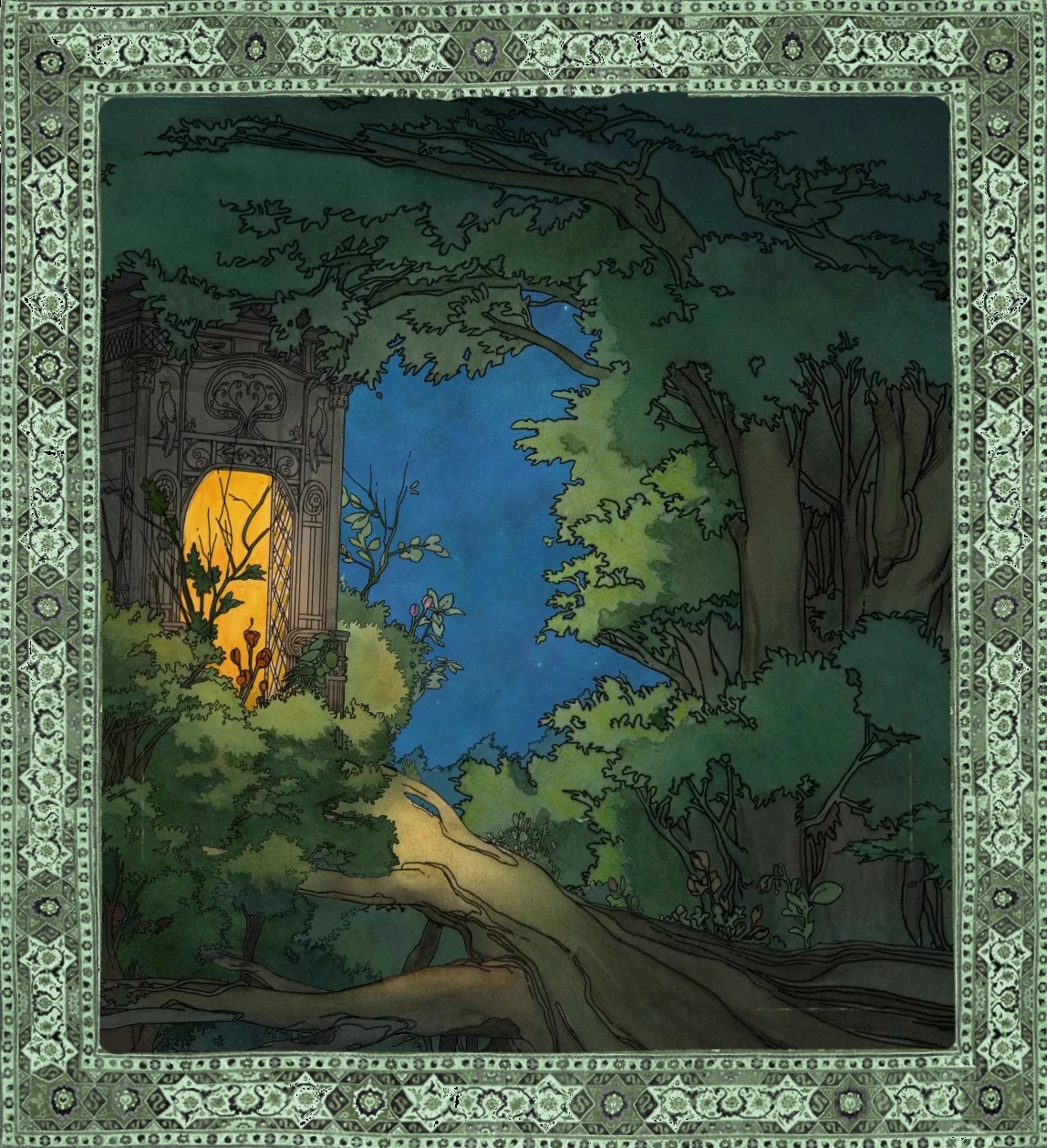
Forest and glowing door
The giant’s landscape
Painted planes arranged in Blender to build the multiplane scenes
Compositing and sound
The 2D animation was composited in After Effects. Some shots involved more complicated effects and tweaking, while others were just a matter of combining the animation with the background, adjusting the colours, and multiplying a paper texture over the animation to help integrate it. Once the scenes were ready, we brought everything together in Premiere Pro and added the sound and music by Ryan Yoshikami.
Concept
I had been thinking about this idea for a while before starting pre-production, and I knew from the beginning that it would sit somewhere at the junction between animation, worldbuilding and illustration. The character is a device to bring the viewer through a series of atmospheric environments. For me, the goal was to create a world with some magical quality, and a logic that made sense despite how bizarre the film is.
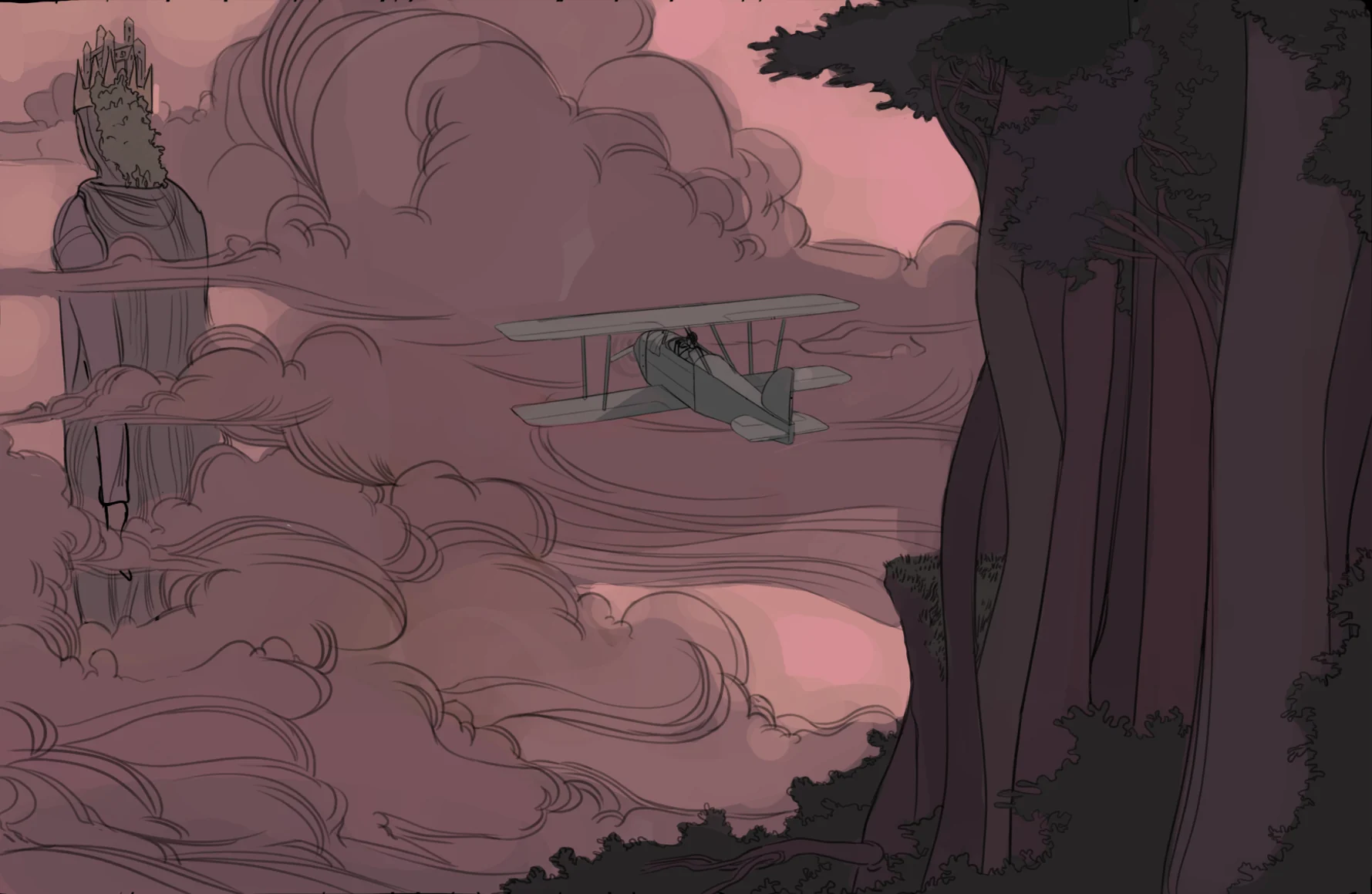

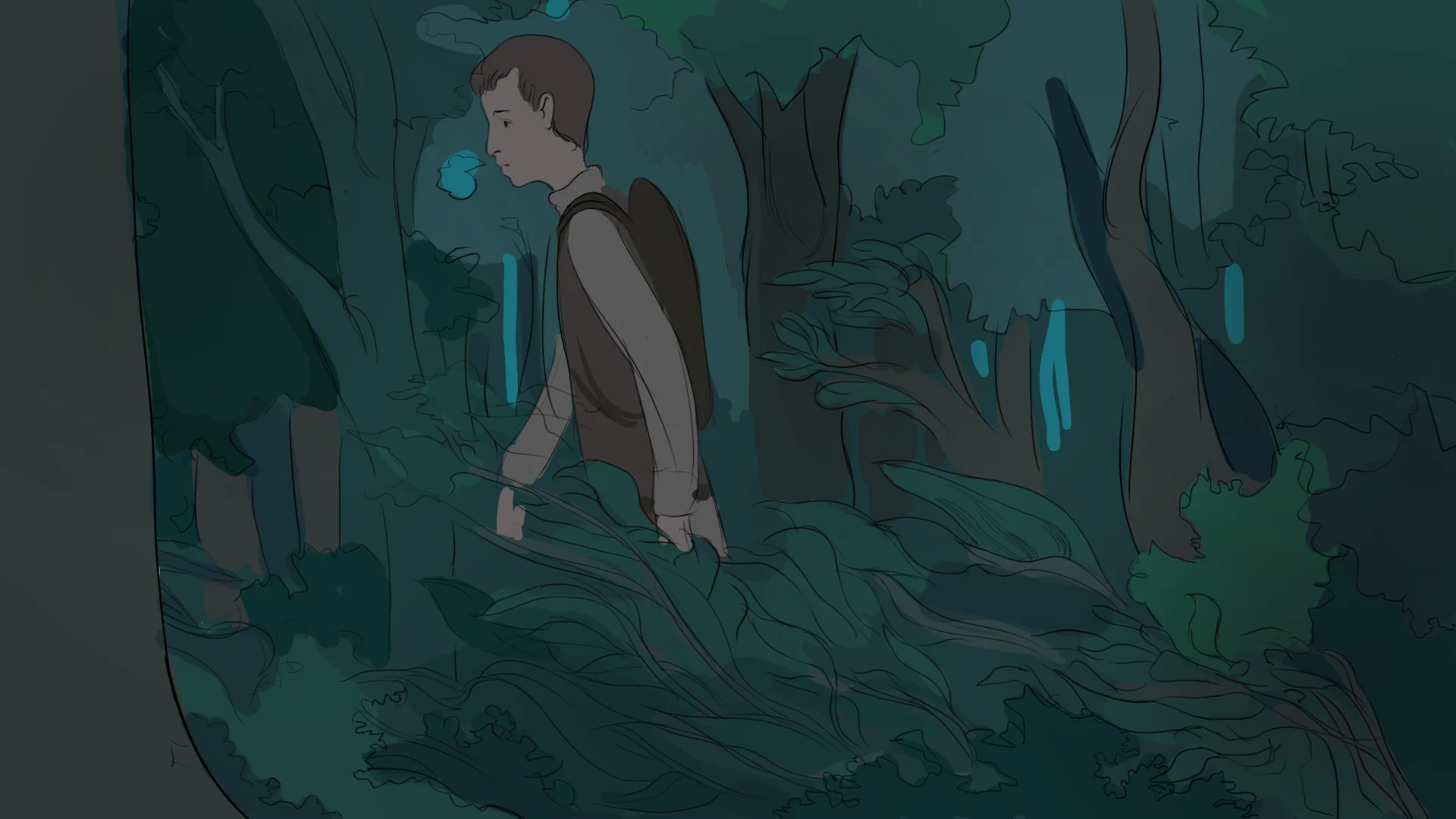

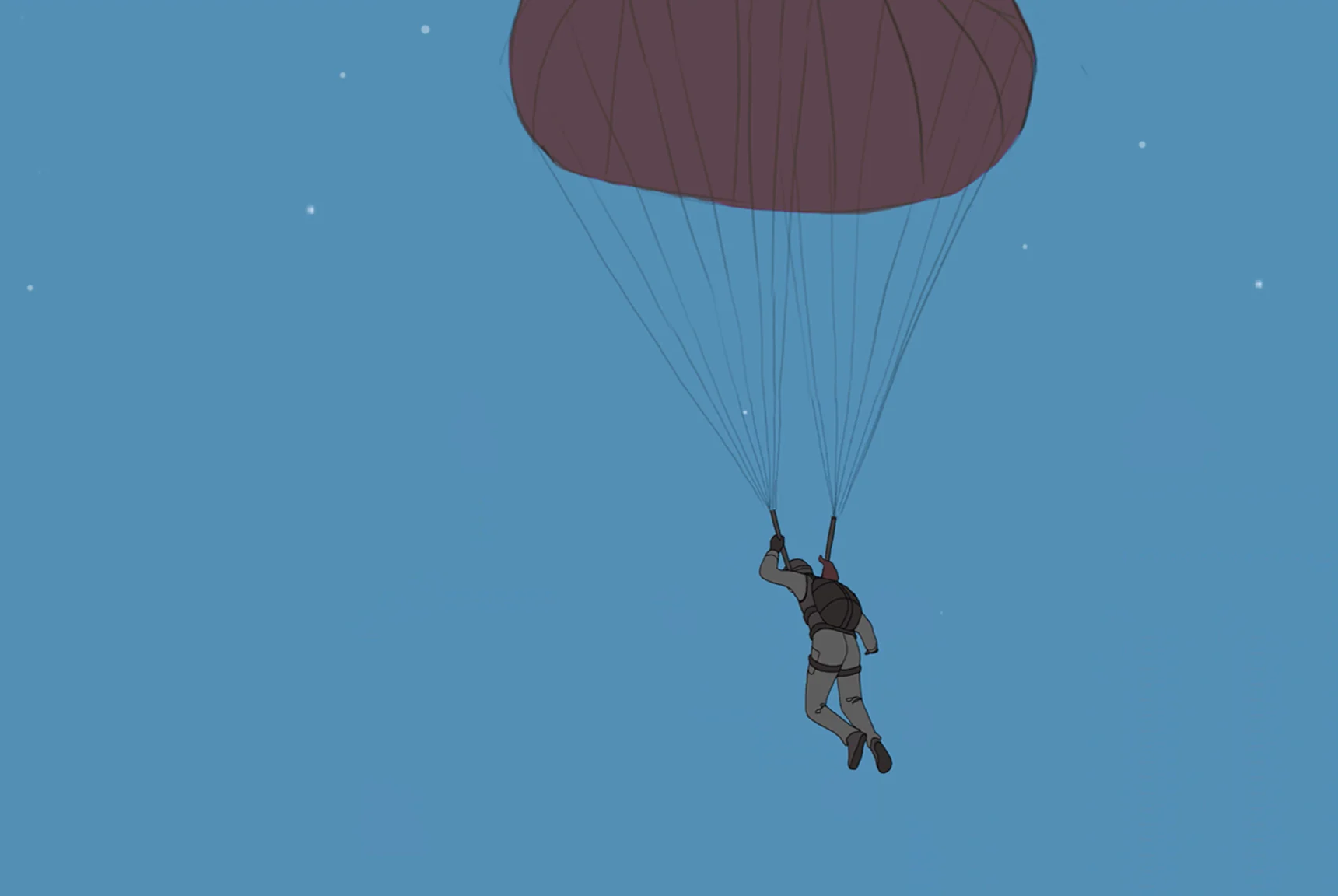
Colour frames from development, following the character through the film’s environments
Achieving this relies fundamentally on intuition, which works like a compass. Trying to understand the mechanism behind that compass always feels like a separate task to the act of creation for me. I certainly thought a lot about what the film was trying to express on a deeper level while making it, but fundamentally those are guesses, and I don’t believe they should add to or take away from the film as it is.
I hope you like it.