





Process notes · Illustration and animation
The Beach Behind Curtains
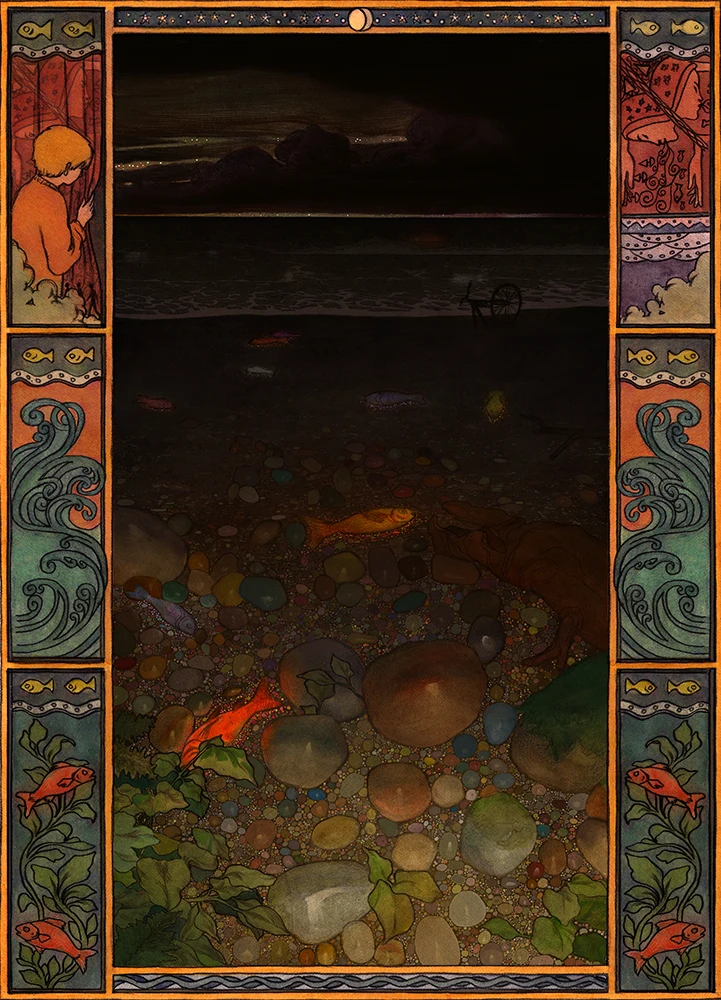
Glowing fish stranded on a beach on the other side of the curtains.
This piece is the background for a new animation. Its part of the same world as the previous one with the boy approaching the curtains. My idea is that on the other side of the curtains there’s a beach. The fish are glowing and scattered across the pebbles, as though the tide has pulled out too fast and left them there.
In my mind the curtain represents a sort of portal, and crossing through it brings the character into a world with a magical, dreamlike quality. The mark making and colours needed to reflect this. I was very inspired by Klimt’s work, as well as contemporary painters like Andrey Surnov, who find an interesting balance between graphic, symbolic imagery and realism.
Sketch and layout
I started by making a digital sketch to test out the general approach: a very low-stakes way to play around and figure out what works on a rudimentary level.
Working out the approach

The digital sketch
Next came deciding what actually belonged in the image and how to arrange it properly: the plants, rocks, driftwood and glowing fish.
The next stage was drawing the layout on watercolour paper. I just used graphite, and made sure to scan the finished drawing before any watercolour went on. The smallest rocks were left out to be added later; working at A4 size, adding them by hand wouldn’t have been practical.

The graphite layout, scanned before painting
Drawing the layout
Painting
The painting is mostly wet into wet, built up in multiple layers. There’s an uncontrollable element to watercolour which I really like.
Watercolour, wet into wet
Painting the rocks
Once the painting was dry, charcoal and colour pencils went on top to push the values further and refine things. A lot can also be altered in Photoshop later if anything goes wrong, and the painting gets scanned several times during the process, just in case.
Outlining
Charcoal and colour pencil
Photoshop
After the final traditional piece is scanned, it goes into Photoshop for some adjustments: usually the levels, the clone stamp to tidy certain areas up, and the scan of the linework laid back over the painting. Setting the linework scan’s blend mode to Multiply gives a bit more control over the darkness of the lines in the final image.

The scanned painting
Adding the smallest pebbles
In Photoshop, I added all the smaller pebbles between the hand-painted ones. The aim was an interesting balance between the size, shape and value of the different pebbles, with colours that create a sort of vibrating texture when viewed from further away, but still clearly read as pebbles. There are also some brighter spots around the fish, as though the light coming from them is being reflected in the pebbles.
Working on the fish in Photoshop
The waves
The next thing was to design and animate the waves. This took a long time, and animating the foam patterns was particularly difficult. I used After Effects to keyframe the foam pulling back into the sea so I wouldn’t have to redraw the pattern several more times, but the vast majority of the loop is hand drawn in Harmony.
Linework for the wave loop
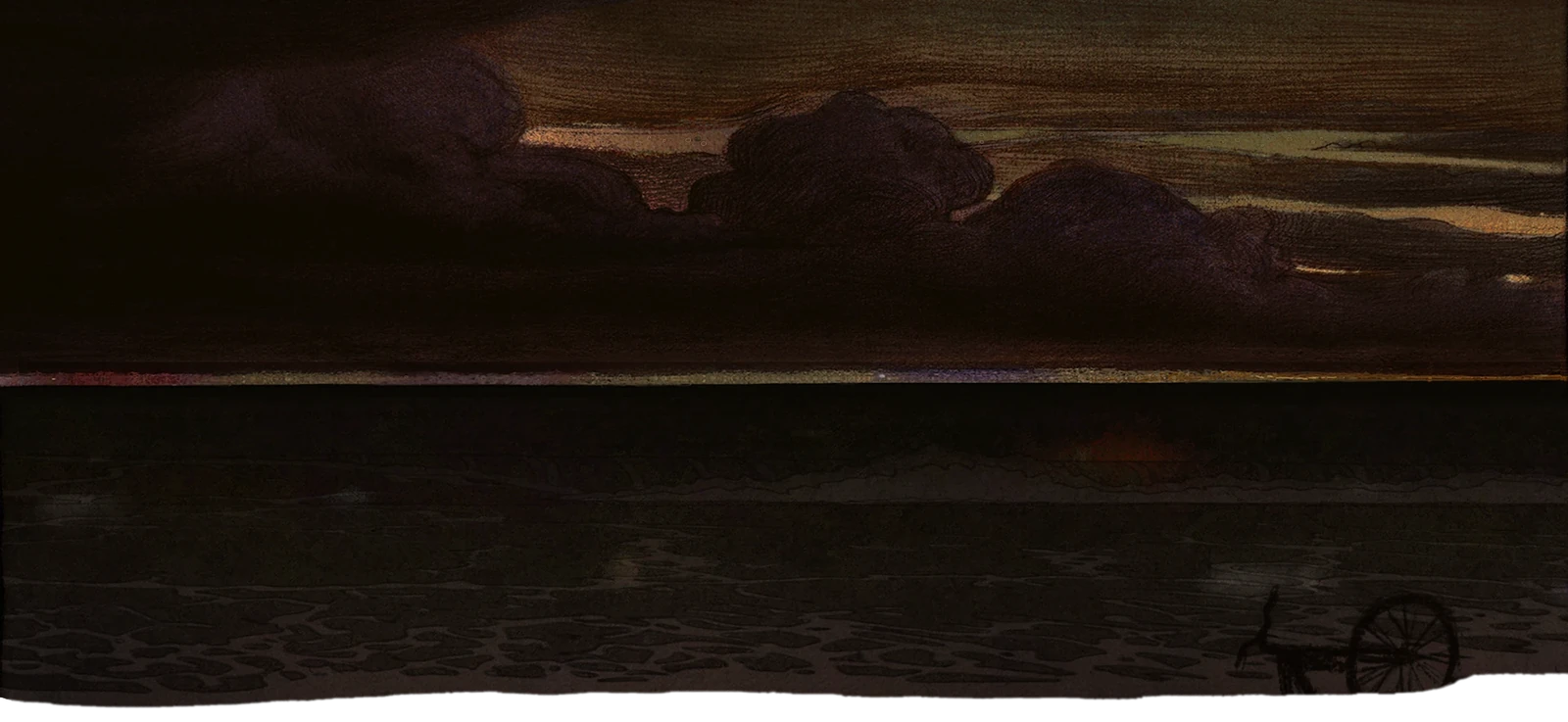
Originally, I wanted the sea to recede completely to black, but some tests compositing in a sky from a previous illustration changed that. Both were made with a similar technique, so it integrated well, and with some colour adjustments I liked how it looked. Apart from the sky, that illustration isn’t one of my favourites, so it was nice to repurpose it.

The earlier illustration the sky came from
The border
The border was an idea I had later, as a way to weave some imagery from the previous animations into the piece. It started in exactly the same way as the main painting, with graphite, then watercolour and some colour pencil. Ivan Bilibin was the main inspiration.
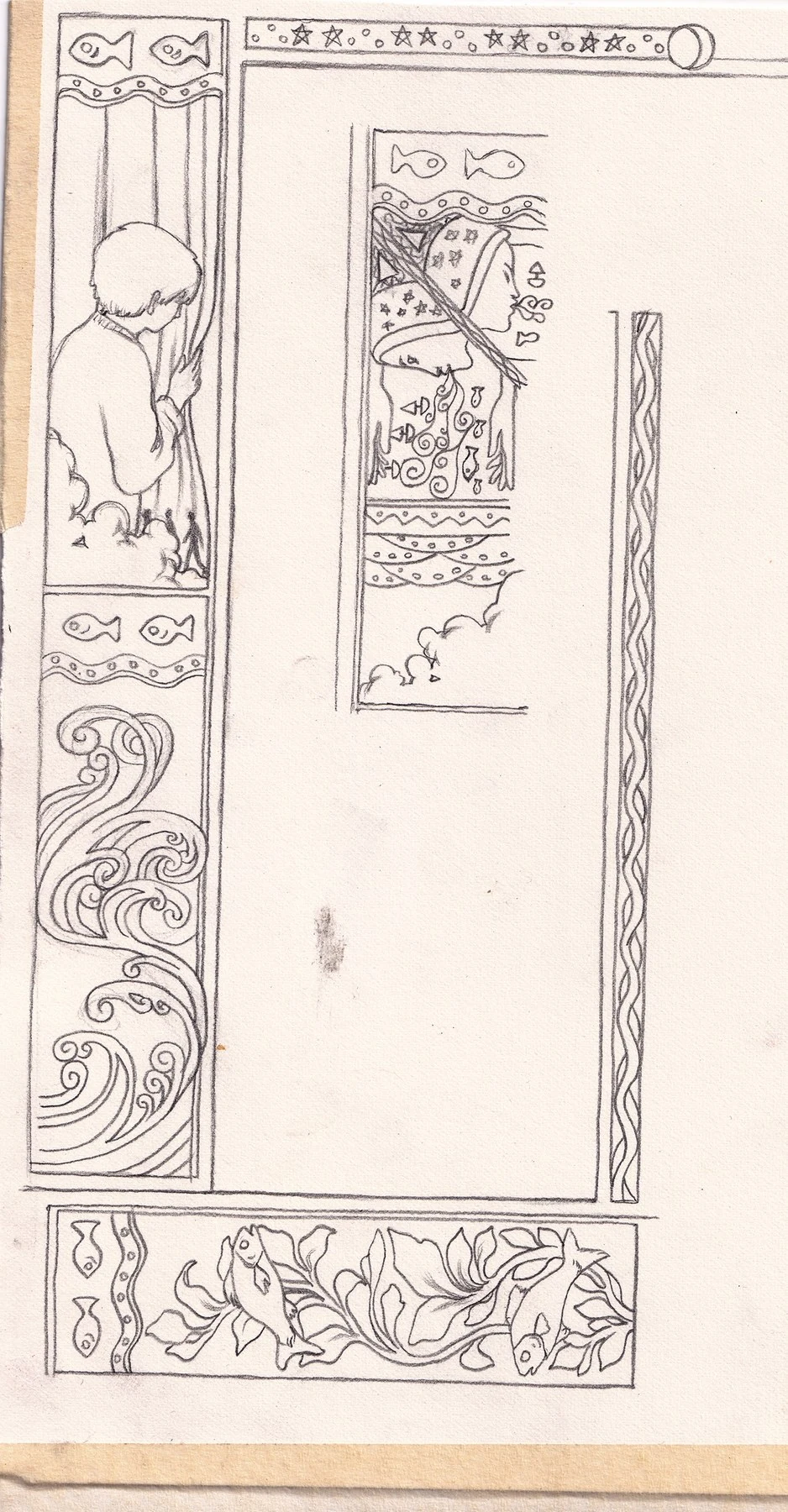

The border, in graphite and then watercolour
Laying the pencil scan over the border on Multiply
After some more adjustment in Photoshop, this was the result. You can see above the trick where you multiply the linework scan back over the painting for more control.
The illustration and animation for this piece took over a month to complete.

The finished piece
The full animation and some more details of this image are coming soon!