





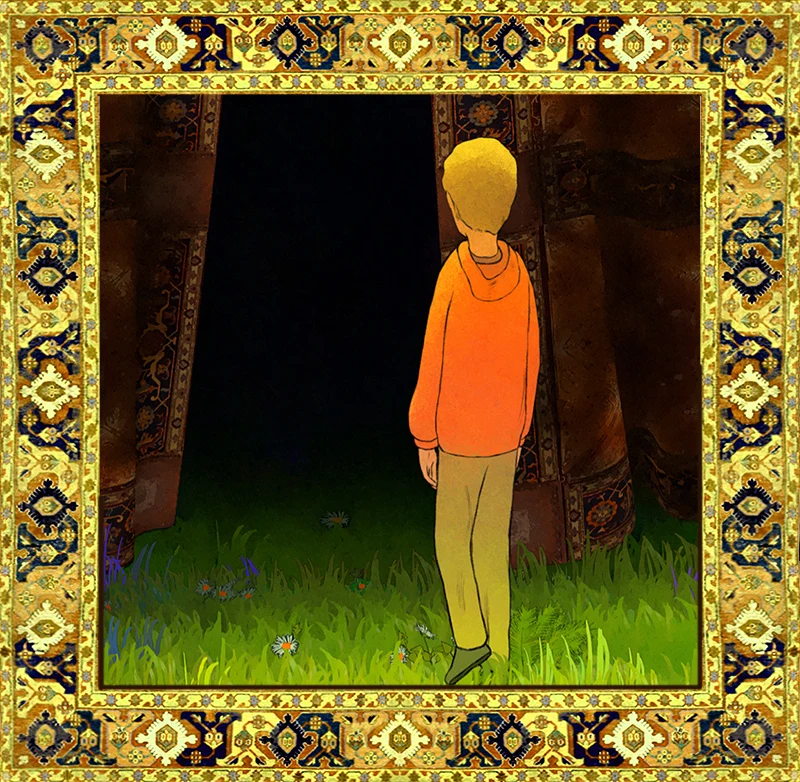
Process notes · Animation
Curtain Approach
A dark red curtain rising out of a warm green field.
This piece is a mixture of 2D animation, cloth simulation, and a lot of time compositing in After Effects to create the wind effect in the grass.
The idea started as something graphic I wanted to explore: the contrast between a large, dark red structure emerging from a warm, saturated green field. Looping animation was another interest, and creating moving patterns by arranging these looped blades of grass.
As the sketches developed, new ideas came along, like a curtain stretching up to the sky with a mandala-like pattern similar to a Persian rug, and shadowy figures walking on the other side. These ideas meant thinking carefully about which software and techniques would achieve them in the way I was imagining.


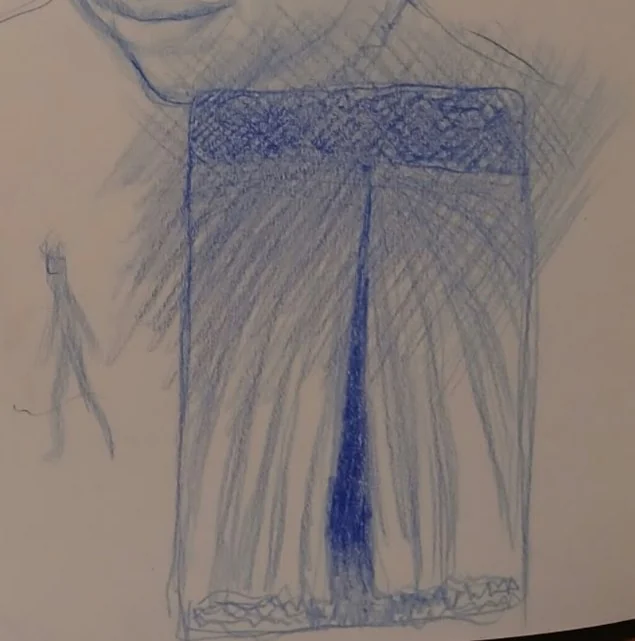


Early thumbnails in blue pencil, and the first colour tests
The grass field
After finishing the sketching and ideation, the first job was the grass field. I animated a single blade of grass in Harmony and brought it into After Effects, experimenting with different intensities of swaying and adding a highlight for a couple of frames at the moment the blade is most bent. In Miyazaki’s films, the fields have these waves of light that comb through them as the wind blows, caused by the sun reflecting off the grass as it bends to a certain angle. Arranging the blades so those frames line up one after another seemed like a nice way to get something similar. In the final animation the effect is subtle, but I think it does add something.
After duplicating the blades and bringing them into Blender, I arranged them in rows and synchronised them so each blade is offset by a frame or two. Adjusting the colours and values of each blade took a very long time. The final part was to add overlay layers with different colour zones over the whole field, just to add some visual interest and break up the colours even further.


The finished field
Flowers and foliage
Then came the flowers. I tried animating them traditionally first, but then came across a free plug-in for Blender with a set of flowers you can use in your scenes. It made it easy to add flowers and vegetation, with some basic animation. All the 3D foliage got repainted UVs, so they just have flat colours and a line around all the edges. I also experimented with making the UV texture a sequence with a boiling line, but decided against it in the end.

The foliage set up in Blender
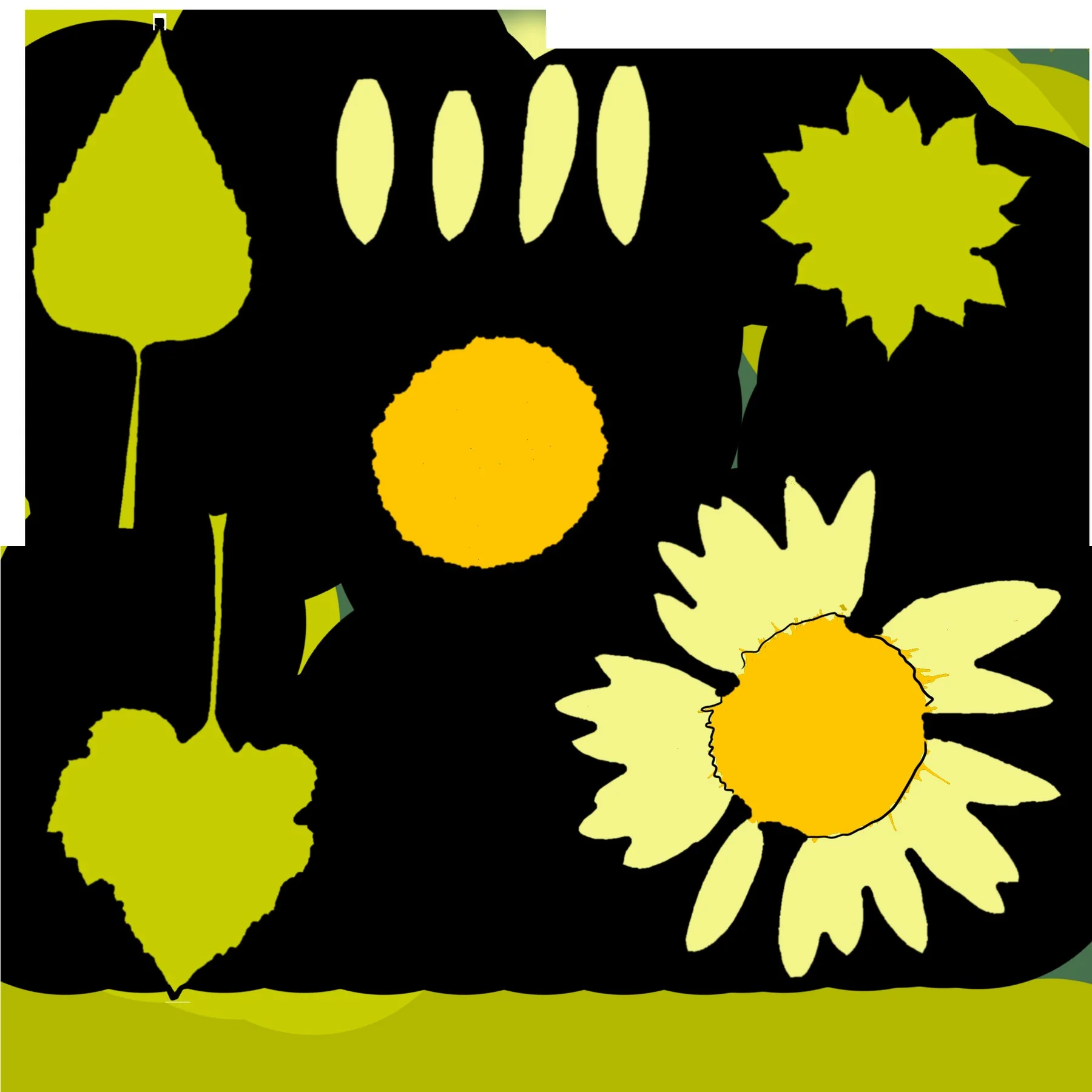

Repainted UVs: flat colour and a line around every edge
The boy
Next came the boy walking into the scene. Originally, I wanted him to cycle in, put his bike down and go and explore the curtain, but getting the bike to interact with the grass proved too tricky, so he just walks in. This was animated entirely in 2D in Harmony.
Linework export of the walk
Some clean-up animation in Harmony

A frame from the walk
The curtain
Next was the curtain, in Blender. I would have animated it in 2D as well, but getting textures onto 2D animation is very difficult. The shadows came from royalty-free footage of people walking past a green screen; they needed to be low resolution and hazy, so stock footage worked fine. In After Effects, the footage was combined with the curtain texture, which I drew in Procreate using the symmetry tool. Finally, the result was exported as an image sequence and imported into Blender as a moving texture for the curtain.


The curtain pattern, drawn in Procreate, and the texture with the shadows added
After that came the cloth simulation, with the wind settings adjusted to create the effect I wanted. The animation of the boy went in too, with the cloth reacting at the moment he pushes it aside.

Cloth simulation in Blender
Compositing
The last thing was to bring everything together in After Effects and figure out how it all overlaps. This was a headache, but rewarding when everything started working. I also adjusted the colours and values, and added some textures, filters and lighting to the character animation to integrate it all.
A tour of the After Effects project
This animation took about a month to complete from start to finish.